
Last updated November 25, 2026
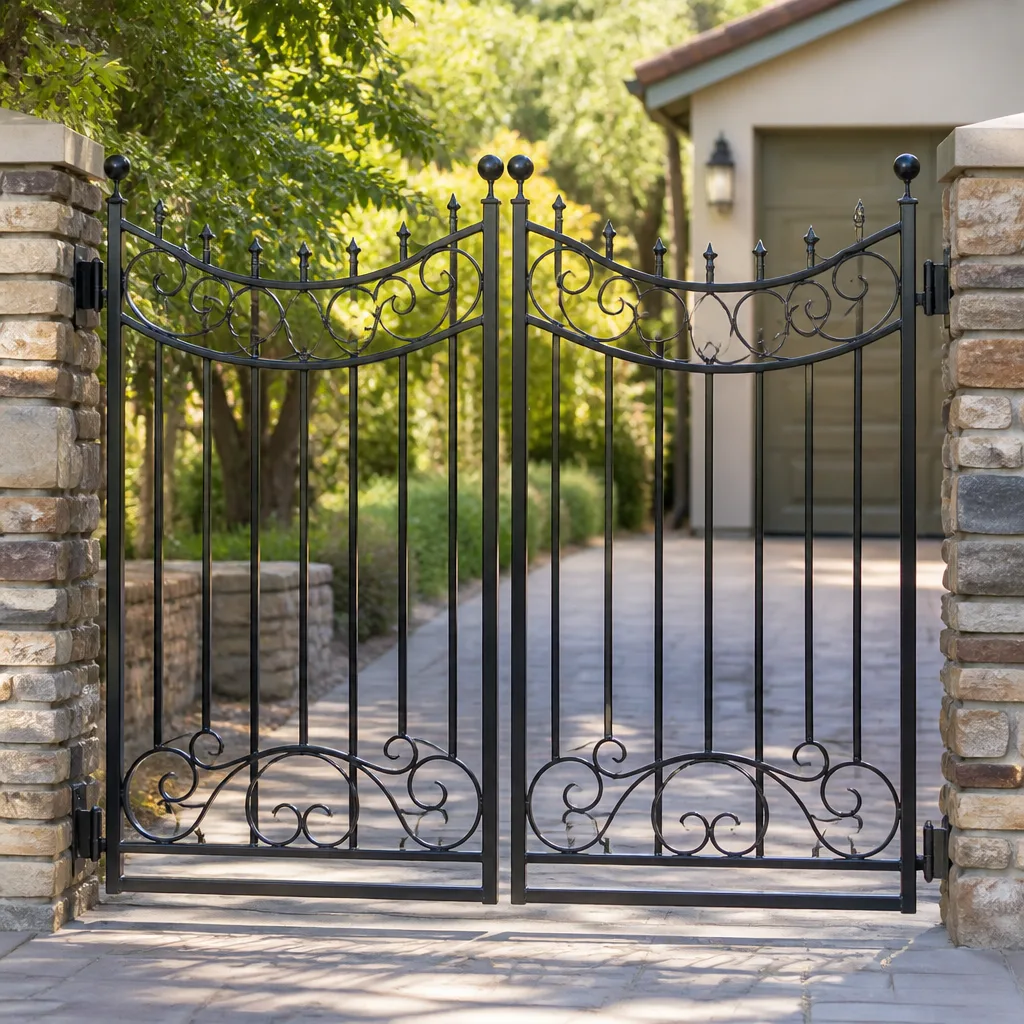 Wrought iron
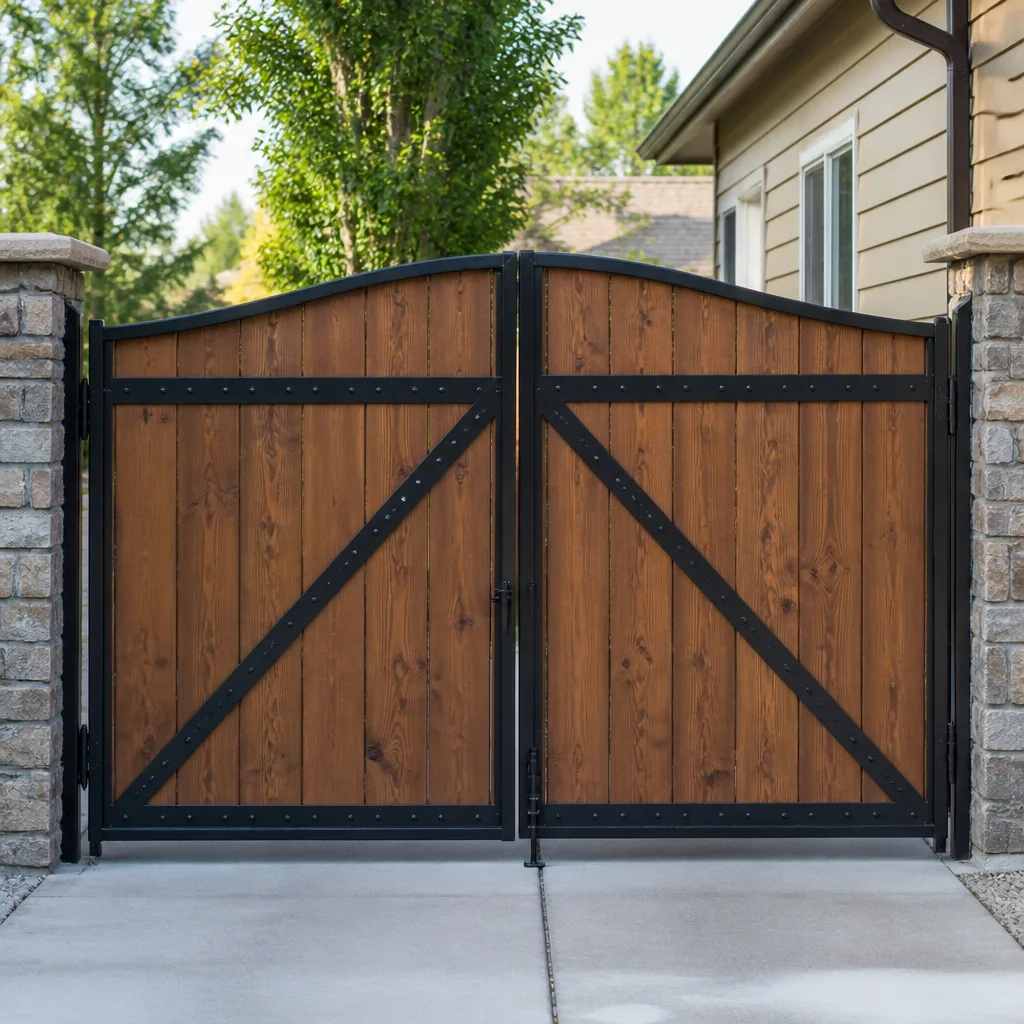 Wood & steel frame
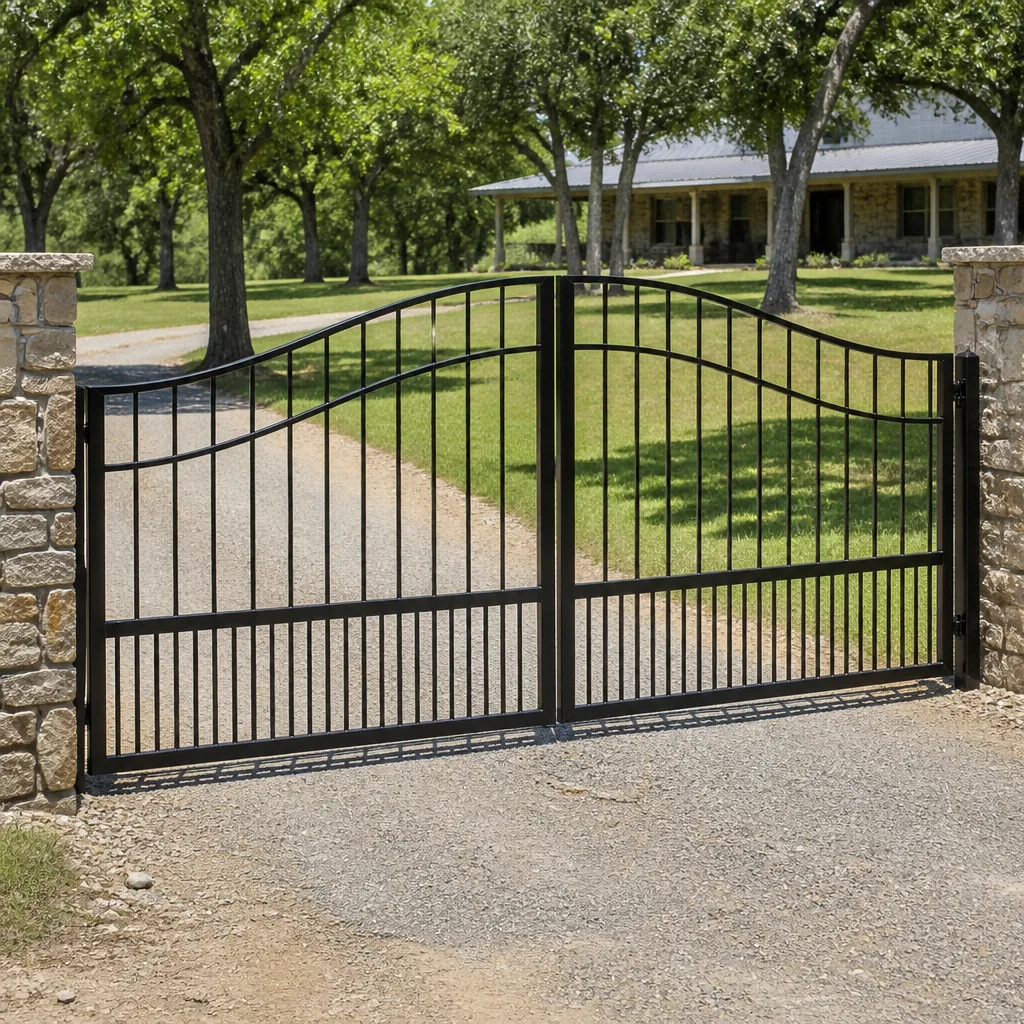 Farm & ranch
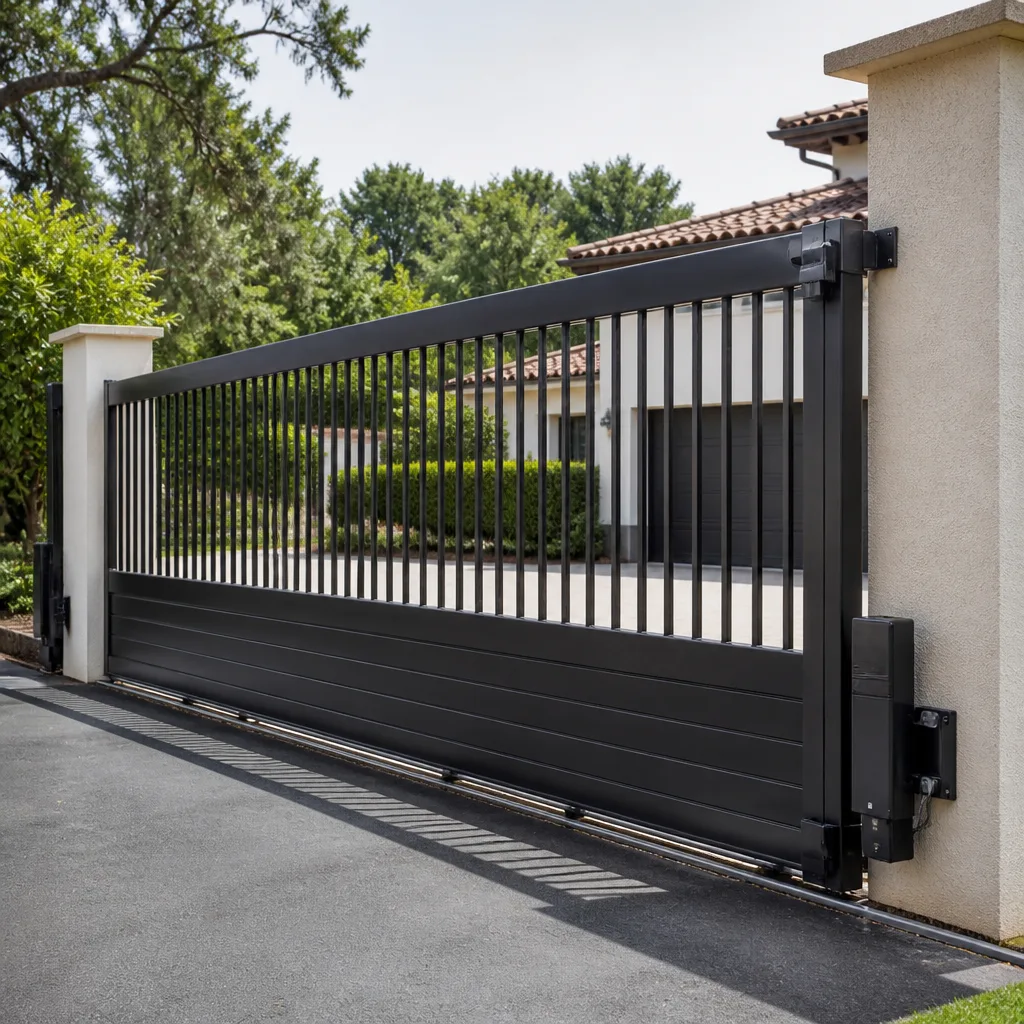 Sliding driveway gates
 LiftMaster operators
Free on-site gate assessment - hinges, posts, and your LiftMaster or Nice gate operator checked before anything is quoted
The assessment is free and the quote is the invoice.
Get your free estimateGate Repair Emergency Preparedness Guide for Knoxville Homes
Ask most Knoxville homeowners what they’d grab first if a gate operator died, and they’ll say their phone. That’s the wrong answer. During the ice storms that roll through East Tennessee every two to three years, the most common gate emergency we hear about isn’t a cracked panel or a burnt-out motor. It’s a homeowner locked inside their own property, engine running, because they never found the manual release on their operator and now can’t get the car out past a gate that won’t move. The hardware didn’t create the emergency. The lack of a plan did. This guide covers the release procedures, power-outage protocols, storm-securing steps, and the pre-emergency documentation that turns a four-hour crisis into a twenty-minute fix. Read it before you need it.
Quick Answer
A gate emergency is manageable if you have three things ready before it happens: the location of your operator’s manual release, the model number of your gate system, and a documented backup power plan. Know how to release the gate by hand, know how to secure a storm-damaged gate without forcing it, and call a dedicated gate technician with your model information so the diagnosis starts on the first visit. In Knoxville, ice storms and summer thunderstorms are the two events that most often trigger a gate failure, and both are manageable with preparation.
Styles & brands we work with
- Wrought iron
- Wood & steel frame
- Farm & ranch
- Sliding driveway gates
- LiftMaster operators
Table of Contents
- Manual Release Procedures by Operator Type
- Power Outage Protocols for Knoxville Gate Systems
- How to Secure a Storm-Damaged Gate Without Making It Worse
- What to Document Before an Emergency Happens
- How to Triage a Gate Emergency Call
- The Safety Rules That Actually Matter
- Common Mistakes to Avoid
- When to Call a Professional
Manual Release Procedures by Operator Type
Every automated gate operator sold for residential use in Knoxville is required to have a manual release mechanism. That release is what lets you move the gate by hand when the motor has no power, has failed, or has gone into a fault state. The mechanism looks different depending on the brand and the gate type, and the difference matters. Here’s how the most common families of equipment break down:
Residential slide and swing operators
On most residential-grade operators – think Ghost Controls or Mighty Mule – the release is a keyed lever or handle on the operator housing itself. You insert the key, turn it, and the gear engagement disconnects. Then you push or pull the gate by hand. Some models use a pull handle on a chain loop instead of a keyed release. The release handle is almost always on the operator, not on the gate panel, and it’s usually about waist height on the side facing the driveway.
Commercial-grade and high-cycle operators
On commercial or high-cycle operators like those from DoorKing, the release is typically a manual disconnect lever on the gearbox, sometimes with a lock. Some high-cycle models use a hand-crank release instead of a clutch release, particularly on heavier slide gates. If your gate was installed for a property-managed community or a multi-tenant driveway, the release may be inside a locked operator cover, and the property manager or HOA should hold the key. That detail needs to be documented.
Step-by-step manual release (general procedure)
- Confirm the gate has stopped and there’s no vehicle or person under it.
- Cut power at the operator disconnect switch, not the main breaker, so you know precisely what’s off.
- Locate the release. On a keyed operator, insert the key and turn it counterclockwise until you feel the gear engage disengage. On a lever or chain release, pull or lift the lever fully.
- Push the gate slowly by hand to confirm the release worked. If it doesn’t move freely, stop and don’t force it – the release isn’t fully engaged or a wheel has come off the track.
- Move the gate to the open position, prop or pin it if your system has a hold-open pin, and address the underlying fault with a call.
If your release won’t disengage, or the gate won’t move after you’ve released it, that’s a mechanical failure, not an operator failure. Don’t crank on the gate to force it. Call a gate repair specialist who can diagnose the mechanical side, not just the electrical side.
Power Outage Protocols for Knoxville Gate Systems
Knoxville’s power reliability is generally strong, but ice storms and severe summer thunderstorms regularly knock out residential power for hours. When the power goes out, your gate’s behavior depends entirely on one thing: whether your operator has a battery backup, and how much capacity that battery has left. Not every automated system has one.
Which systems have battery backup
- Operators with battery backup built in: Many solar-ready residential operators – Ghost Controls models, some Mighty Mule models – ship with or accept a backup battery and will keep cycling gates through an outage. Runtime depends on battery capacity, gate weight, and cycle count. A lighter gate on a healthy battery can hold for many cycles. A heavy gate or a depleted battery can drop the gate to a stop within a handful of cycles.
- Operators with optional battery backup: Some mid-range operators accept an add-on battery kit that isn’t installed by default. If your system was installed without one, it has no backup.
- Operators with no backup: High-cycle commercial operators like FAAC and BFT units and many older residential systems rely on direct AC power or a low-voltage transformer. If the power is off, the gate is off.
What to do when backup power runs out
- Switch to the manual release. Do not sit in your vehicle waiting for the gate to come back online.
- Move the gate to open and pin or prop it if the hardware allows.
- Once the power comes back, cycle the gate once with the remote to test the limit positions.
- If the gate opens in the wrong direction, reverses immediately, or stops at the wrong point, the limits need recalibration. That’s a five-minute fix for a technician and a frustrating hour of guesswork for you.
Battery life on a backup battery is finite. If your operator’s battery is more than a couple of years old and your power has been out recently, test the gate with the main power breaker cut for a few cycles to confirm the backup still works. Better to know now than at 6am during an ice storm in Knoxville.
How to Secure a Storm-Damaged Gate Without Making It Worse
A storm-damaged gate is dangerous to force, and the temptation to shove it closed or prop it open with whatever’s handy is what turns a mechanical repair into a gate replacement. Damage we see most often around Knoxville after a summer thunderstorm or an ice event is bent hinge hardware, a panel pushed off its rollers, and operator arms that absorb the impact of a heavy gate blown into them. How you secure it in the first hour affects the repair bill.
What to do (and what not to do)
- Cut the operator power first. A bent or off-track gate being cycled by an operator is what breaks gears and control boards. Disconnect the operator power switch so the gate can’t move under motor power while you work.
- Don’t jam the gate closed or tie it off with rope or bungee. Rope stretches, snaps, and can slingshot back at head height. If the gate needs to stay open, use a metal hold-open pin or wedge, not a soft tie.
- Don’t force a slide gate back onto its track by hand. Slide gates that have come off the track can drop several hundred pounds if you tip the wrong way. If the gate is off the track, leave it off and secure the driveway another way.
- For a swing gate you need to secure temporarily, use a heavy-duty strap rated for the gate weight across the top rail and a fixed post – never across the middle of a panel where it can rack the frame. This buys time while you wait for a technician. It is not a fix.
- Photograph everything before you touch the gate. Bent brackets, cracked panel details, and the operator position in the frame are what tell a technician how the failure happened.
We’ve had homeowners call us after strapping a storm-damaged gate with a ratchet strap through the middle of a panel, and the panel needed replacing the next day because the strap bent the frame rail. One call and a written estimate beats a self-secured gate that fails twice.
What to Document Before an Emergency Happens
The single most valuable thing a Knoxville homeowner can do before a gate emergency is fill in a one-page sheet and stick it in the drawer by the entry door. When the gate is stuck at 6am and the vehicle needs to go out, you won’t remember your model number or the release handle location. This sheet does.
The gate emergency sheet
- Operator brand and model number – printed on a label inside the operator cover or on the control board. Photograph the label.
- Gate type – slide, swing single, swing double. Note the gate width and approximate weight if the installer documented it.
- Manual release location and type – keyed lever, chain pull, hand-crank, or lever on the gearbox. Note where the release key is kept.
- Backup power specs – does the operator have a battery backup, and what size battery? If your system accepts one but doesn’t have it, note that.
- Installer contact – the original installer’s name and number, even if you’re working with a different service now. The install record tells a new technician what load the gate was designed for.
- Access control details – if your gate ties into a keypad, intercom, or entry app, note the system and any account credentials for the property manager.
- Recent service notes – any repairs in the last year, and any symptoms you noticed (slow cycling, squeaking, remote range dropping).
Photograph the operator, the release handle, and the label. Keep the photos on your phone in a folder labeled “gate.” When you call, you’ll have the model number in front of you, and the difference between “my gate stopped” and “the DoorKing 6050 stopped mid-cycle and won’t release” is a whole service-call length of diagnosis.
How to Triage a Gate Emergency Call
The fastest gate emergency is the one that arrives at a technician with the right information. When you call a gate specialist, the goal is to have them arrive knowing what to bring. Our technicians have up to 8 years of experience, and we’ve learned that a well-triaged call saves 30 to 45 minutes of on-site diagnosis, which shortens the repair and the invoice.
What to have ready before you dial
- The operator brand and model (from your emergency sheet).
- What happened right before the failure – power cut, storm, gate struck by a vehicle, unusual noise, remote stopped working.
- Current gate state – fully closed, fully open, stuck mid-travel, off the track, or lying on the ground.
- What you’ve already tried – release attempt, breaker reset, remote re-pair, battery check.
- Access details – driveway width, gate type, and whether a vehicle needs to get out in the next hour.
- Photo of the gate and operator – text or email if the office asks for it.
This information lets a specialist know whether the failure is electrical (operator, control board, sensor) or mechanical (hinge, wheel, track, arm), which determines what goes on the truck. When you call us with a control-board failure on a specific brand, we know whether it’s a replacement or a repair and can quote the written estimate before we roll out. That’s what gate motor & opener work looks like when it’s done by a gate specialist instead of a generalist.
The Safety Rules That Actually Matter
An automated gate is a power-driven piece of equipment with moving parts that weigh hundreds of pounds. We take safety seriously because we’ve seen what happens when a homeowner tries to fix an operator or a stuck gate without knowing the hazards. The three things that cause most serious injuries around gates are electric shock from operator wiring, crush injuries from a heavy gate that falls or swings under spring or motor load, and eye or hand injuries from misdirected manual release attempts.
Non-negotiables
- Never open the operator cover to “check the wiring” if you’re not an electrician. Gate operators run at line voltage at the main disconnect, and control wiring on commercial units can be 24V that still bites if a panel is miswired.
- Never stand under a gate that’s off the track or unsupported. A 12-foot slide gate can weigh 400 pounds and drop without warning if a wheel lets go.
- Never disable safety edges or photoelectric sensors to get the gate to close. Those devices are what stop a gate from crushing a person or a vehicle. If your gate won’t close because a sensor is tripped, fix the sensor, don’t bypass it.
- Never let a child or pet play in a gate’s travel path. Automated gates move faster than people expect and don’t always reverse on impact the way a garage door does.
If you’re not sure whether a step is safe, stop. Call a specialist and describe what you see. Every gate emergency we handle in Knoxville has been safely fixable, and the ones that weren’t had a homeowner trying to force something before calling.
Common Mistakes to Avoid
- Propping a gate open with a brick or a rock during an emergency. A gate that slips off a brick and swings can crush a leg or a car door. Use a metal hold-open pin or wedge, and only if the gate is stable.
- Calling a general handyman because the gate is “just stuck.” A generalist will arrive, diagnose for 45 minutes, and then tell you they don’t have the control board or the release key. Call a dedicated gate technician who works with the specific operator brand and arrives prepared.
- Forgetting the release handle location between installs and emergencies. Ice storms in Knoxville don’t announce themselves. Walk out to your gate today, find the release, and put your hand on it so you’ll remember where it is when it’s 28 degrees and dark.
- Ignoring a slow-cycling gate because it still works. A gate that’s slower than it used to be is often telling you the battery backup is failing, the operator has thrown a fault code, or a wheel is dragging. Waiting turns a $150 sensor swap into an operator replacement.
- Overlooking the backup battery because the power’s been stable. Knoxville’s grid is solid most of the year, but your backup battery still ages on the shelf. Test it once a year by cutting main power to the operator and cycling the gate a few times.
- Strapping a storm-damaged gate with a ratchet strap across the panel. This racks the frame rail and turns a bent hinge into a bent panel. If you must secure it, strap across the top rail to a fixed post and call for a technician the same day.
- Assuming all gate brands behave the same way. A gate installation using Ghost Controls or Mighty Mule hardware behaves differently from a commercial-grade FAAC or DoorKing system during a power outage or a release. Read the manual for your specific model, not the internet in general.
When to Call a Professional
Call a gate technician when the release won’t disengage, when the gate won’t move after you’ve released it by hand, when the operator cycles the gate in the wrong direction, when a slide gate is off its track, or when the gate closes and immediately reverses for no visible reason. Call when the operator’s control board shows a fault code that won’t clear, when a storm has bent a hinge or pushed a panel out of alignment, or when a vehicle has struck the gate. Call when the safety edges or photoelectric sensors are physically damaged – not when they’re tripped, which is often a blockage or dirt issue – and never bypass a damaged safety device to keep the gate moving in the meantime. And call if your emergency sheet has gaps you can’t fill, because a paper trail now beats guesswork later. Knoxville Gate Repair Co offers free estimates in Knoxville – call (877) 820-8549. We answer 24/7. Fast dispatch from 7am to 7pm, Sunday through Friday.
See the difference
 Before
 After
 Before
 After
 Before
 After
Frequently Asked Questions
Find the manual release on your operator’s housing, insert the key if it’s a keyed model, and turn or pull until you feel the gear drive disengage, then push the gate by hand. On a chain-pull release, pull the handle fully. On a lever-on-gearbox release, lift the lever. If the gate doesn’t move after release, don’t force it – call a specialist. Call (877) 820-8549 if you can’t locate the release. Estimates are free.
It depends on the model. Many residential operators, including some Ghost Controls and Mighty Mule models, ship with or accept a backup battery that keeps the gate cycling through an outage. Commercial operators like FAAC and BFT units often rely on the direct power feed and don’t have a backup. Battery runtime depends on capacity, gate weight, and cycle count, so the honest answer for your system is: check the operator label, and test the backup with main power cut. Call (877) 820-8549 if you need us to identify your setup – estimates are free.
Only in the narrow case of a power outage where the manual release works and the gate moves freely by hand. Any other stuck gate – won’t release, off the track, cycling in the wrong direction, showing a control-board fault – needs a technician. Forcing a stuck gate is the most common way a mechanical repair becomes a full replacement. Call (877) 820-8549 for an exact quote on the diagnosis – estimates are free.
Cut operator power first, photograph the damage, and leave a gate that’s off the track where it is rather than trying to force it back on. If the gate must be secured, strap it across the top rail to a fixed post with a heavy-duty strap, never across the middle of a panel where it racks the frame. Call (877) 820-8549 to schedule a same-day visit. We answer 24/7. Fast dispatch from 7am to 7pm, Sunday through Friday.
Have the operator brand and model number, what happened right before the failure, the gate’s current state, what you’ve already tried, your access details, and a photo if possible. That information is what lets a specialist arrive with the right parts and quote a written estimate before the visit. Call (877) 820-8549 with your model info – estimates are free.
We service nine major gate-system brands, including Ghost Controls, Mighty Mule, DoorKing, Elite, LiftMaster, FAAC, BFT, Linear, and Viking. That covers residential and commercial-grade equipment. If you’re not sure which brand you have, the label inside the operator cover will tell you. Call (877) 820-8549 and we’ll identify your system – estimates are free.
The Bottom Line
A gate emergency is a preparation problem, not a hardware problem. The homeowner who’s fine at 6am during an ice storm is the one who found the manual release last month, knows the model number of their operator, tested the backup battery, and has a one-page sheet in a drawer with the installer’s number on it. The rest of us find out the hard way that Gate Code 3 doesn’t mean anything when the gate is stuck. Spend twenty minutes this week on the four things that matter: release location, model number, backup battery, and installer contact. Then call a dedicated gate specialist the moment something looks off, before a small fault becomes a full replacement.
Knoxville Gate Repair Co covers the full gate-system stack – mechanical repair, motor and opener service, electric gate systems, and access control integration – on equipment from nine major manufacturers. Whether you’re diagnosing a failed operator on a DoorKing commercial unit or a residential gate that needs an emergency release lesson, our technicians have up to 8 years of experience and we service your brand. Reach us at Knoxville Gate Repair Co or call (877) 820-8549 for a free estimate and a written price before any work starts. We answer 24/7. Fast dispatch from 7am to 7pm, Sunday through Friday.
Written by the team at Knoxville Gate Repair Co.